Give each vendor its part of the plan.
Assign a vendor a layer to place its own items. The planner keeps the shared site visible while vendor work stays within its assignment.
- Tents
- Stage and production
- Power distribution
- Catering and bars
- Restrooms and handwashing
- Guest seating and tabletop
- Entry and ticketing
- Food-truck court
- Parking and shuttle loop
- Fencing and emergency access
- Back of house and load-in
- Waste and recycling
- Guest circulation
- Lighting
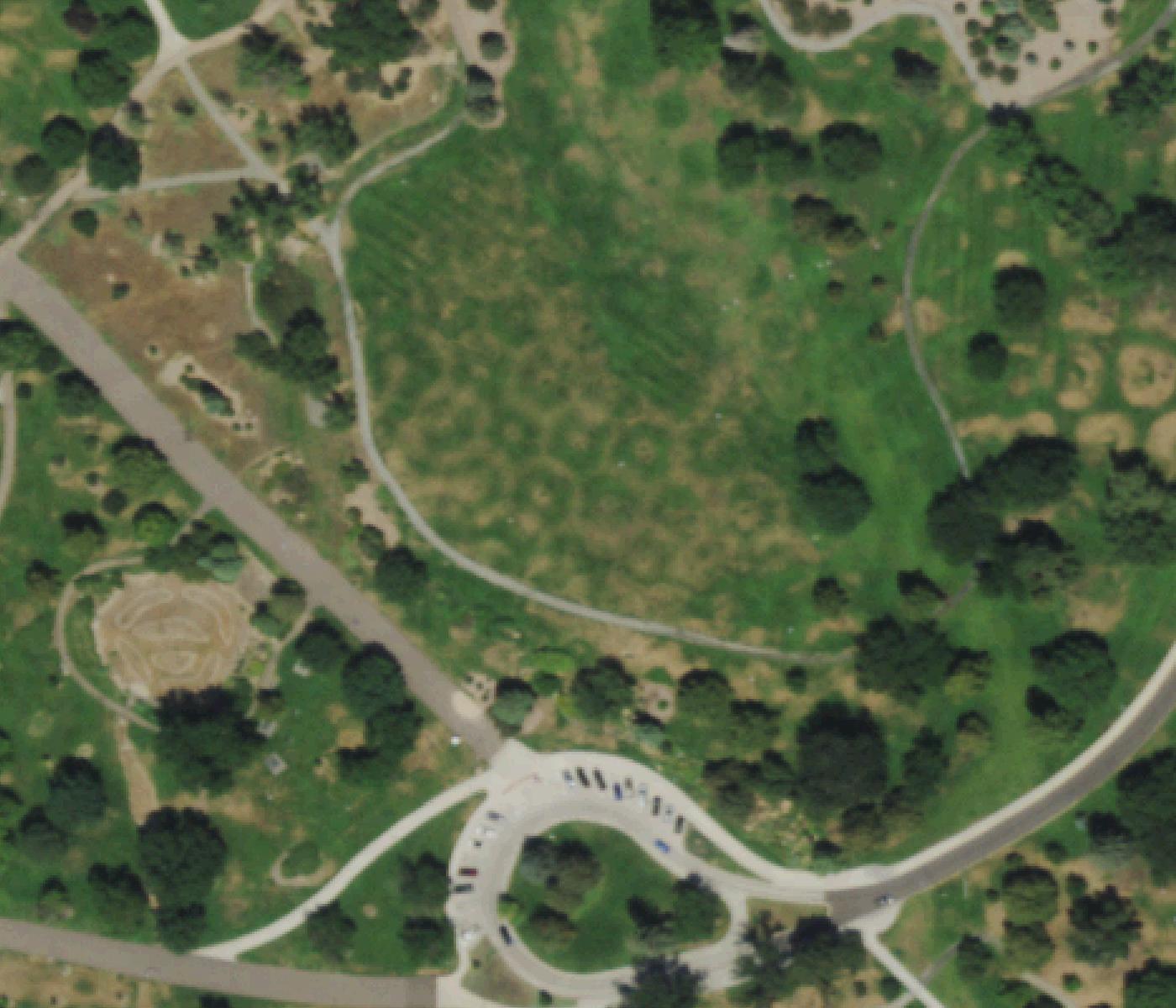
Mossbank Meadow. USGS / USDA NAIP, acquired 2019-08-03. No endorsement or venue partnership.
Assign a layer
A tent supplier can work on tents, a staging team on stage, and the planner on the whole site. The demonstrated path assigned a vendor one editable layer while another layer remained read-only.
Place items against the site
Vendor objects sit on the event drawing instead of arriving as disconnected descriptions. The layer list and the top-down plan show what was placed and where it belongs.
Keep the field view aligned
When the planner moves a tent or another placed item, the crew lead can see its new position on a phone. The vendor still works within its assigned layer.